Explore account screenshots and article examples. Select any image to see it at full size and read the project brief.
Wikipedia account screenshots
Compare the information in a contribution list, a revision history and a public user profile. Explore account services.
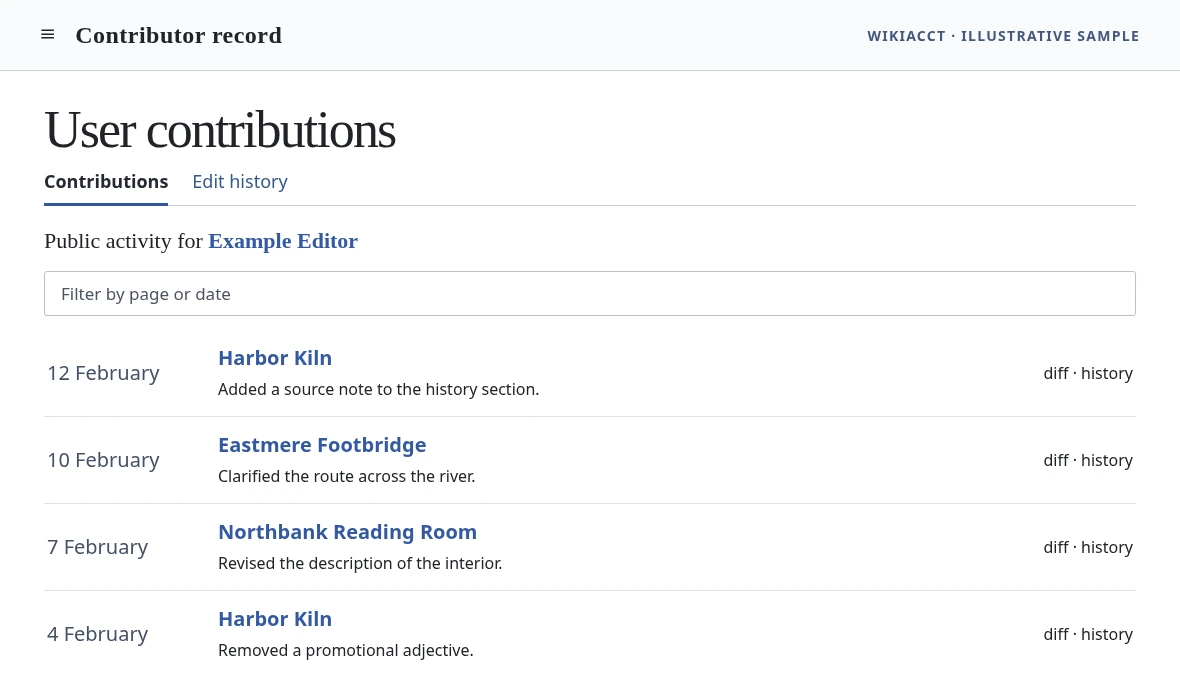
Contribution history
A dated list of public edits by one contributor.
Project brief
This sample shows how to read an edit summary, the page it belongs to, and the date it was recorded.
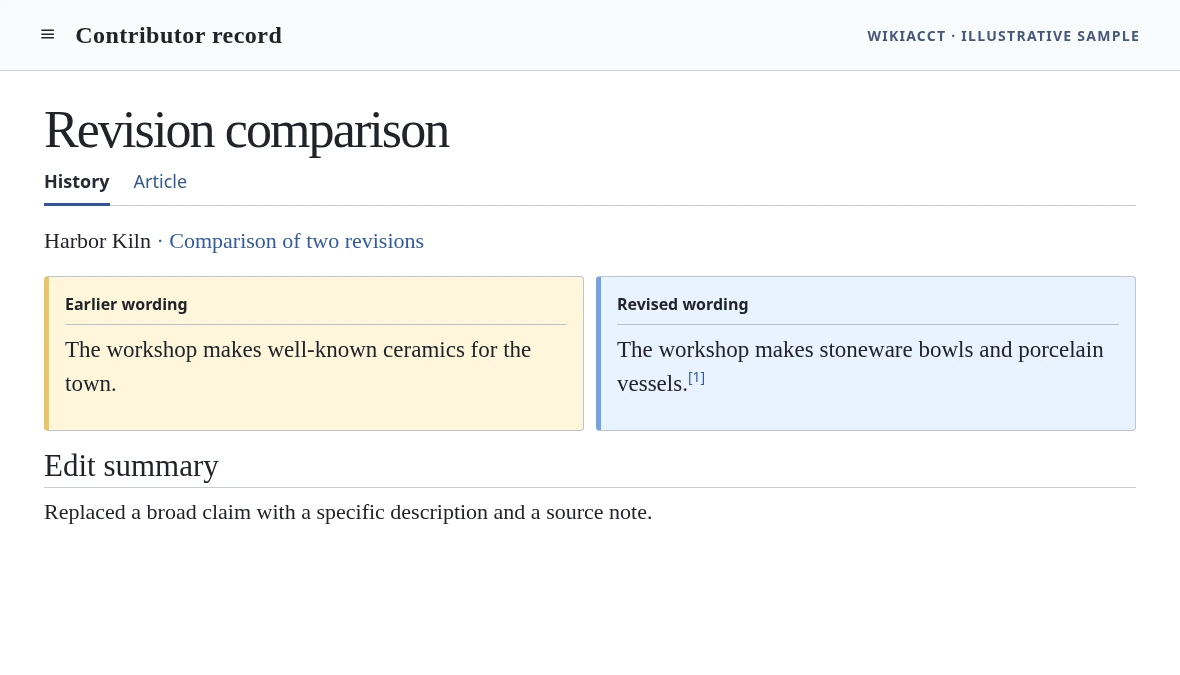
Revision comparison
Two versions of an edit, shown side by side.
Project brief
Compare the original sentence with a revised sentence and see where a source was added.
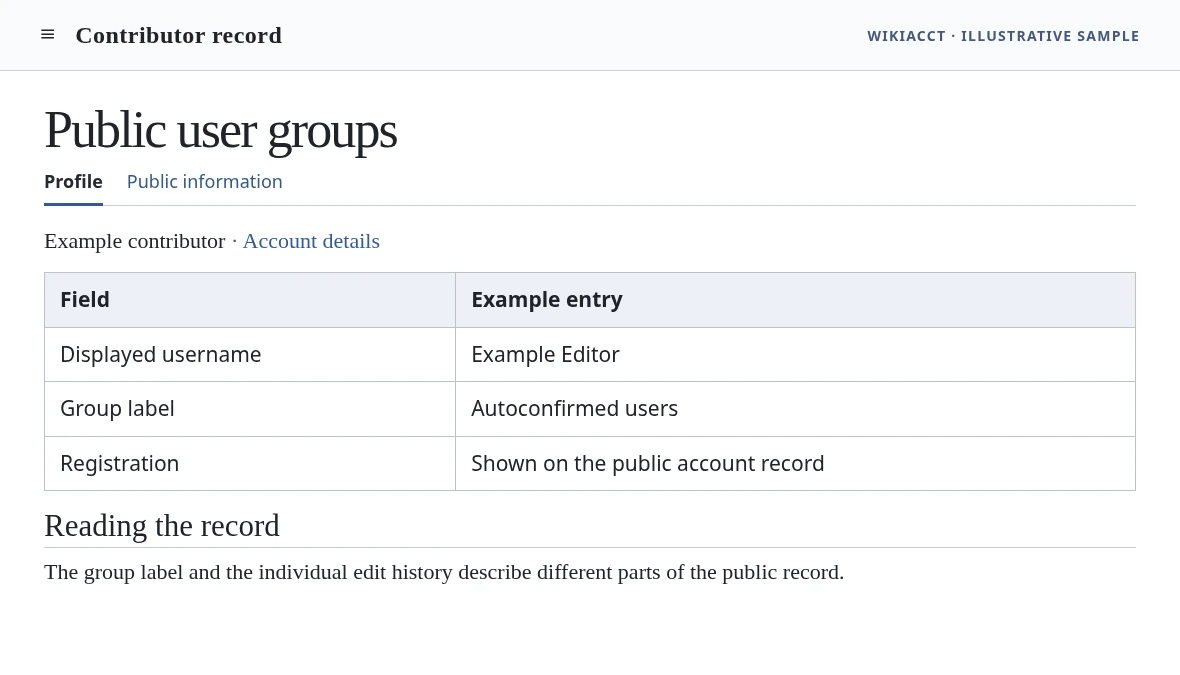
Public user groups
Where a contributor’s public group labels appear.
Project brief
This example identifies the fields to check on a public account profile when documenting a user group.
Wikipedia page samples
Open an example to see how the lead introduces the subject and where the draft uses supporting sources.
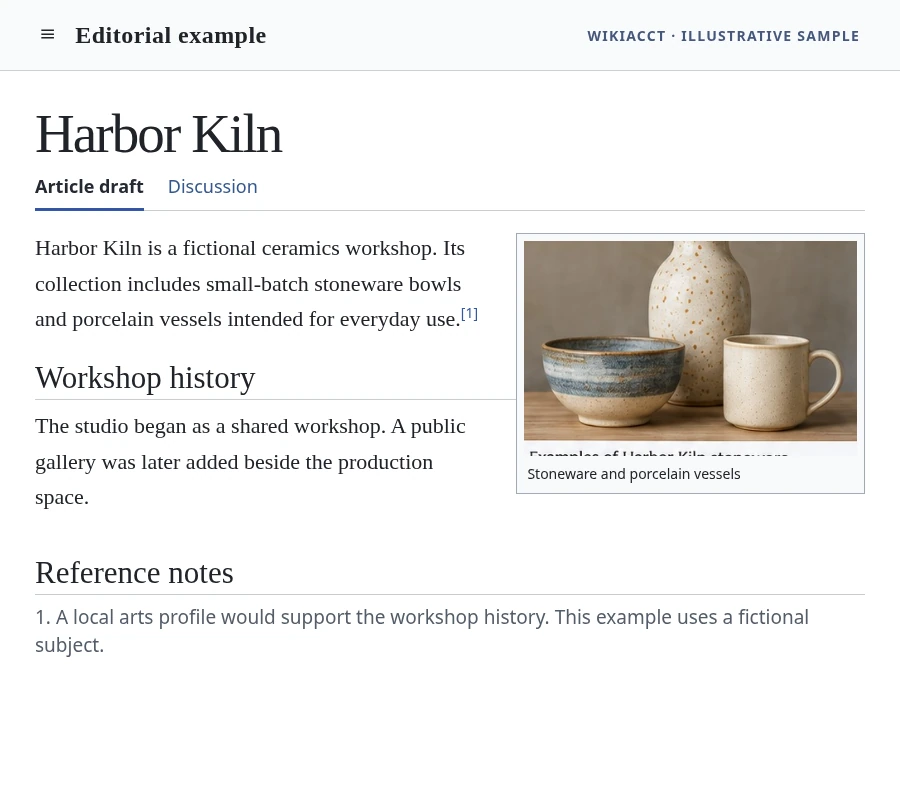
Harbor Kiln
A ceramics workshop draft with a lead and a history section.
Project brief
This fictional ceramics workshop illustrates how a lead, a history section and references fit together in an article draft.
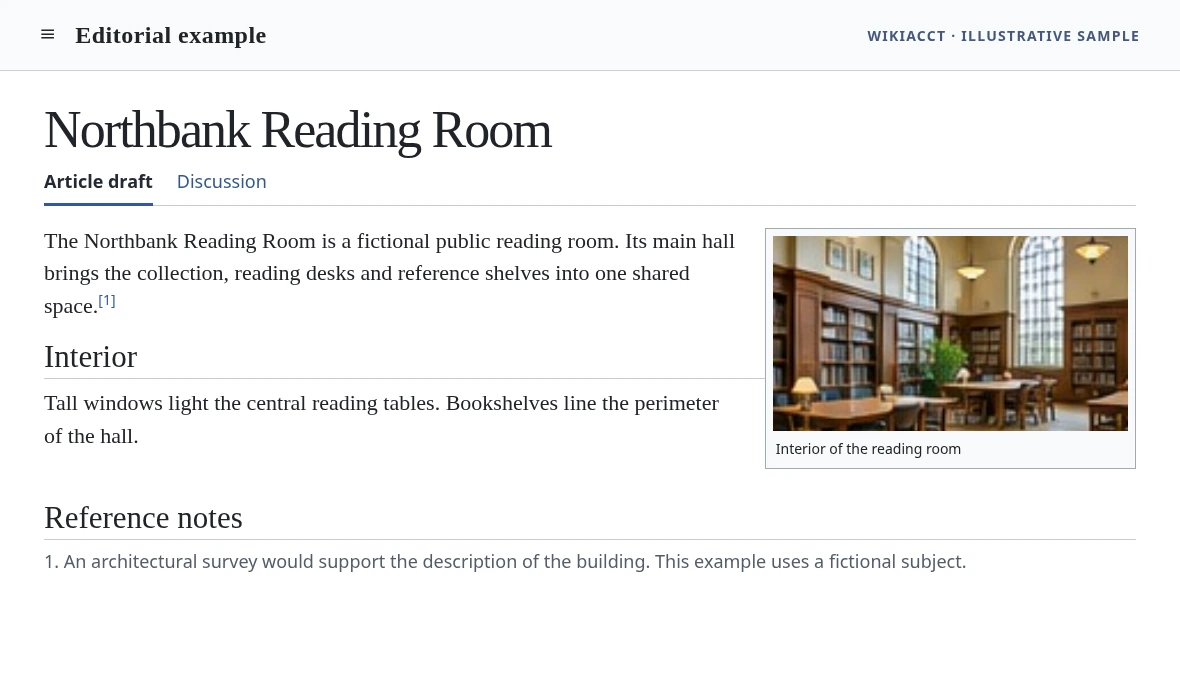
Northbank Reading Room
An institution profile with an architectural focus.
Project brief
This illustrative profile separates the history of a reading room from a description of its interior.
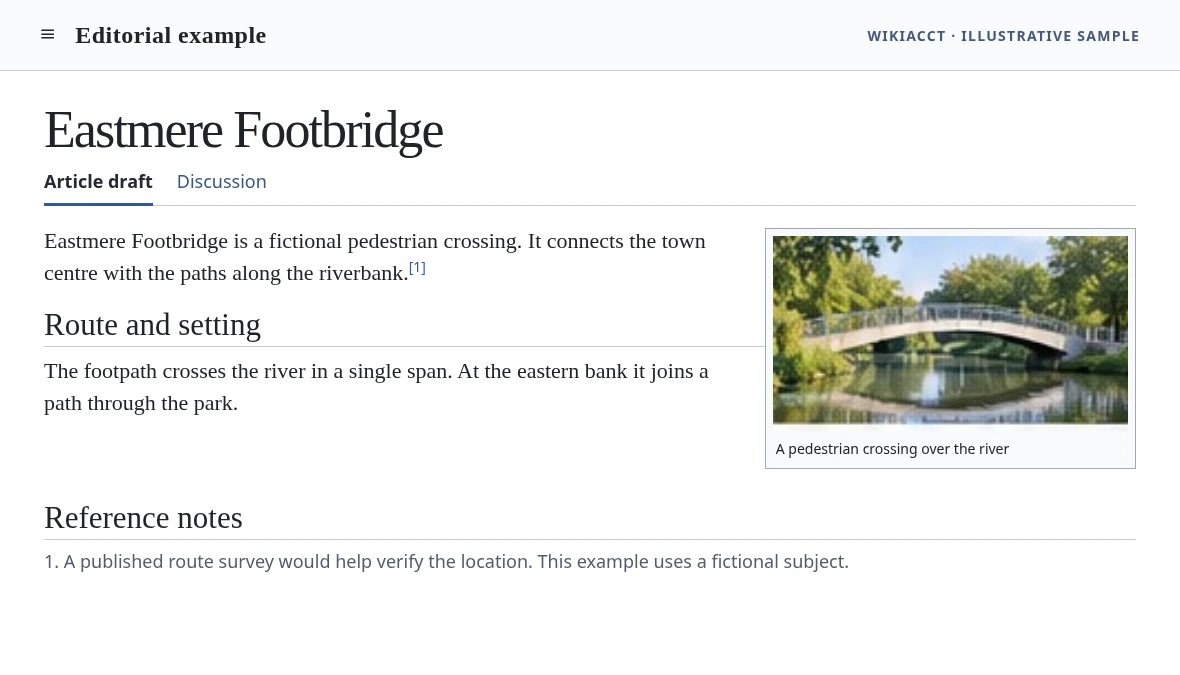
Eastmere Footbridge
A local landmark with a concise reference list.
Project brief
This example uses a location description and a short history to introduce a pedestrian bridge.
How to read a Wikipedia work sample
Start with the question you want the sample to answer. A contribution history shows a sequence of edits. An article draft shows how a writer turns sources into a readable account of a subject.
Reading an account screenshot
Pick one entry in the contribution list and look at its date, page title and edit summary. Then compare the two versions in a revision screenshot. An edit described as “added a reference” is easier to assess when you can see which sentence changed and where the citation was placed. An edit count alone gives you little detail about that work.
Reading a Wikipedia page sample
Read the opening paragraph before looking at the layout. Can you identify the subject and explain what it is known for? Next, choose one factual claim and follow its citation, if the source is available. Check whether the source supports the whole sentence or only part of it. This is a practical way to compare two writing samples on the same terms.
What a source-based edit looks like
Imagine a ceramics workshop whose brochure calls it “a leading name in British pottery.” A local newspaper describes the opening of its public gallery in 2018. Here is how those details affect the draft.
Before the source review
“The workshop is a leading name in British pottery.” The phrase asks the reader to accept a judgement about the entire industry. A report about one gallery opening gives the writer no basis for that judgement.
After the source review
“The workshop opened a public gallery in 2018.” In this fictional example, a reader could check the event and its date against the newspaper report. Whether the workshop merits a standalone Wikipedia article is a separate question.
Questions about the portfolio
What does “Illustrative sample” mean?
That label identifies a demonstration created to explain a type of work. You can use it to inspect a layout, compare wording or see how a revision is documented. For a client project, read the brief to see which part of the work it covers.
How can I check a published article shown in a screenshot?
Ask for the public article link and the revision date. Open the article’s “View history” tab and select the version from that date. This lets you compare the screenshot with the wording at the time, even if other editors have since changed the page.
Which sample should I ask for if I already have a draft?
If the issue is tone, ask for a before-and-after paragraph. If the issue is sourcing, ask for an example that pairs a sentence with the publication supporting it. Sharing the passage you are unsure about helps us understand which example would be most useful.